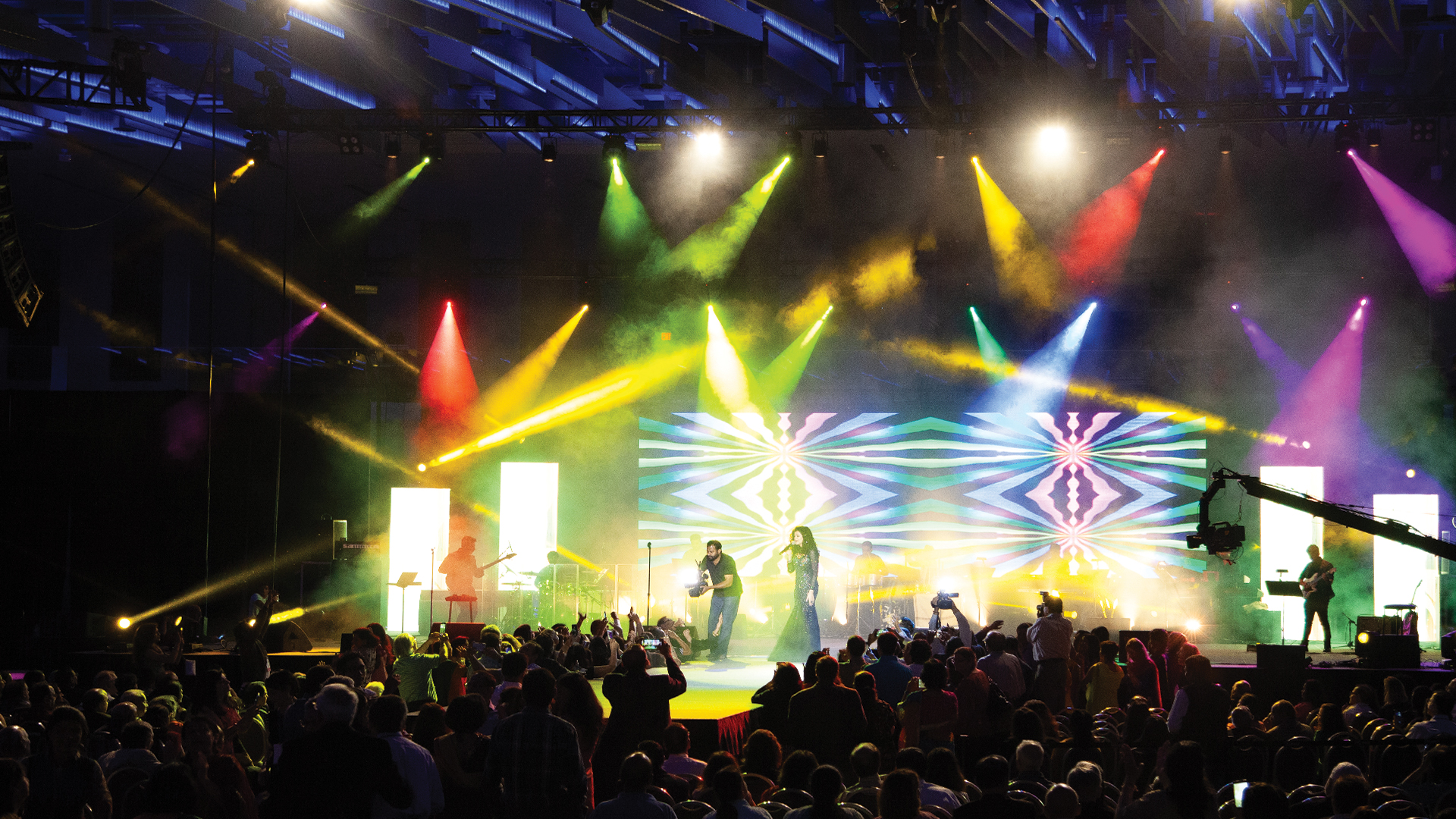
Time is the scarcest resource in live event production, and nowhere is that scarcity felt more acutely than during lighting focus sessions. The window between the set being dressed, the rig being powered, and the first technical rehearsal is typically measured in hours that evaporate faster than they should. Focus charts — systematic documentation of every fixture’s pan, tilt, zoom, and color parameters — are the tool that transforms a chaotic refocus into a methodical, recoverable process.
Where Focus Charts Came From
The practice of documenting fixture focus positions predates moving light technology by several decades. In traditional theatrical lighting — Fresnel and ellipsoidal fixtures hung and focused for a specific production — the lighting plot and associated instrument schedule served as a reference document that allowed the lighting designer to communicate with the electricians executing the focus session. These documents, developed through the USITT standard drafting conventions, became formalized in the late 1970s.
The arrival of automated luminaires in the late 1980s — the Vari-Lite VL1, first used by Genesis on the Duke Tour in 1981, and subsequently the Martin MAC series — created a new documentation challenge. A moving light has no static focus that an electrician can physically verify. Its position is a software value stored in a console. If that value is lost or corrupt, the only way to recover it is to reprogram from memory or documentation.
What a Modern Focus Chart Contains
A comprehensive automated fixture focus chart for a theatrical or concert rig documents: fixture number, fixture type and model, channel/universe/address, patch information, and for each cue or look: pan position, tilt position, zoom angle, focus distance, beam shape, color (gel reference or CIE XY coordinates for LED fixtures), gobo selection and rotation, iris setting, and intensity reference. Some engineers also document home position — the position the fixture returns to when recalled to a neutral state — as a baseline for troubleshooting.
For LED wash fixtures with color mixing, documenting focus now includes capturing the specific RGBW or RGBA channel values for each color state, because LED color can vary between fixtures of the same model due to binning tolerance. A focus chart that records “amber” without specifying the channel values is insufficient for precise reconstruction.
Digital Focus Chart Tools
The industry has largely migrated from paper-based focus charts to digital tools that integrate directly with the lighting console workflow. ETC Eos and its family platforms output a Magic Sheet view and a channel-by-channel parameter snapshot that can be exported as a spreadsheet or PDF. grandMA3 allows full show file exports and attribute snapshots in XML format that serve as machine-readable focus references.
Third-party tools like Lightwright 6 from John McKernon Software remain the gold standard for integrated instrument schedule management — the software syncs bidirectionally with ETC Eos and provides a cross-referenced database of every fixture in the rig, its physical position, its patch data, and its focus notes. For productions where multiple designers or programmers work the same rig, Lightwright creates a single authoritative document everyone can reference.
Running a Fast Focus Session With Charts
The discipline of focus session efficiency starts long before call time. The LD or programmer should pre-load all focus positions from the chart into the console as preset positions or palettes before the focus session begins. When a fixture needs to be adjusted during focus, the operator calls up the fixture, calls up the nearest reference palette, and refines from there rather than starting from scratch.
On large rigs, focus sessions are most efficiently run by a two-person team: one operator at the console and one focus operator on a wireless remote focus unit — a handheld device that mirrors console control, allowing the human touching and aiming the fixture to also adjust pan, tilt, and zoom in real time. ETC’s Focus Remote, MA Lighting’s MA Remote, and Avolites’ Pearl Remote are commonly used devices for this workflow.
Using Charts to Recover From Console Failures
The most critical application of a comprehensive focus chart is disaster recovery. Console failures during a production — whether from hardware malfunction, show file corruption, or operator error — can potentially erase hours of programming work. A detailed focus chart means that even if the show file is unrecoverable, the programming team can reconstruct every focus position from documentation.
Best practice is to maintain focus charts in two separate formats: the native console backup (stored on redundant USB drives and a cloud backup service) and a formatted printed or PDF copy that can be read without any console software. On long-running productions or touring shows, focus charts should be updated as ‘as-built’ documents whenever the rig changes — any change to the plot should be reflected in the chart before the next performance.
Incorporating Focus Charts Into Rehearsal Workflow
Smart productions build focus chart verification into the pre-show check process. A quick sweep of key positions — checking that critical specials, follow spot positions, and area washes are hitting their correct targets — takes ten minutes with a well-organized chart and can catch problems introduced by fixture drift, accidental bump, or power cycling before they become audience-visible issues during the performance. This practice, borrowed from the theater world and adapted to concert and corporate production, is one of the highest-ROI technical habits a lighting department can develop.
